» Back To Index
The <curve> node
Function
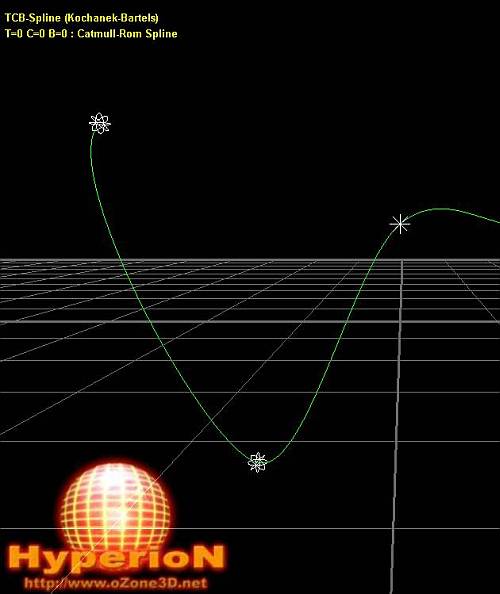
The curve node makes it possible to plot all kinds of 3d curves. The initialization of the curve number of
points is made at the XML script level (for example a curve with 1000 points), while
the position values initialization of each of those points is done with a LUA scripting :
see the
"Curves library" section for details.
General syntax
<curve
	name=""
	render="FALSE"
	group=""
	num_points="100"  />
curve element
curve is the xml tag that defines a curve node.
Attributes:
- name - [STR127] - name of the node. It will refer this node throughout the XML script.
- render - [BOOLEAN] - enables (TRUE) or disables (FALSE) the rendering of the gizmo tripod - default value: TRUE
- group - [STR127] - name of the group where you can add the current node. A group makes it possible to control the behavior of several objects in a single way.
- num_points - [INTEGER] - number of 3d points defining the curve - default value: 100