My Account


RSS
oZone3D.Net RSS Feeds»RSS 2.0 Feeds

Blogs
»Demoniak3D Blog
»JeGX's Infamous Lab

Sponsors


Link to Us

oZone3D.Net 100% Realtime 3D

»All Site's Network

Visitors Map

 
oZone3D.Net - Hardware News & Reviews


ASUS Silent Knight CPU Cooler

Last Update: July 31, 2007
Written by Jerome 'JeGX' Guinot - jegx AT ozone3d DOT net


1 - Silent Knight: Presentation

2 - Silent Knight: Tests

3 - Silent Knight: Links


1 - Silent Knight: Presentation

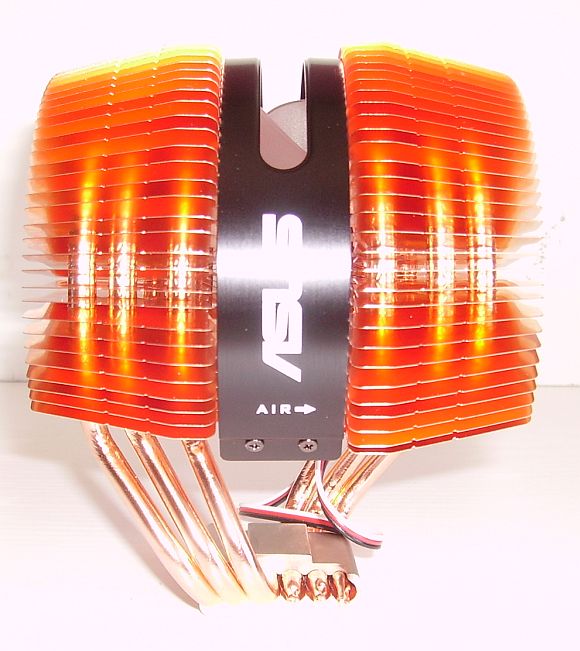
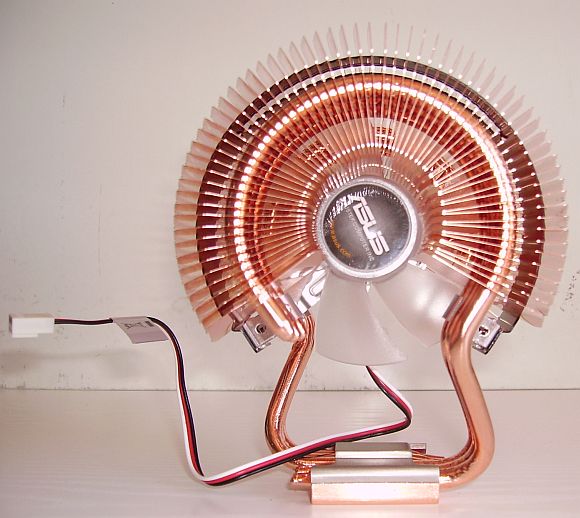
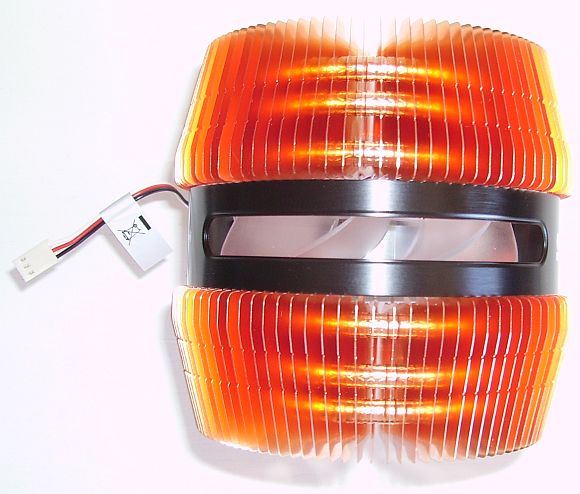
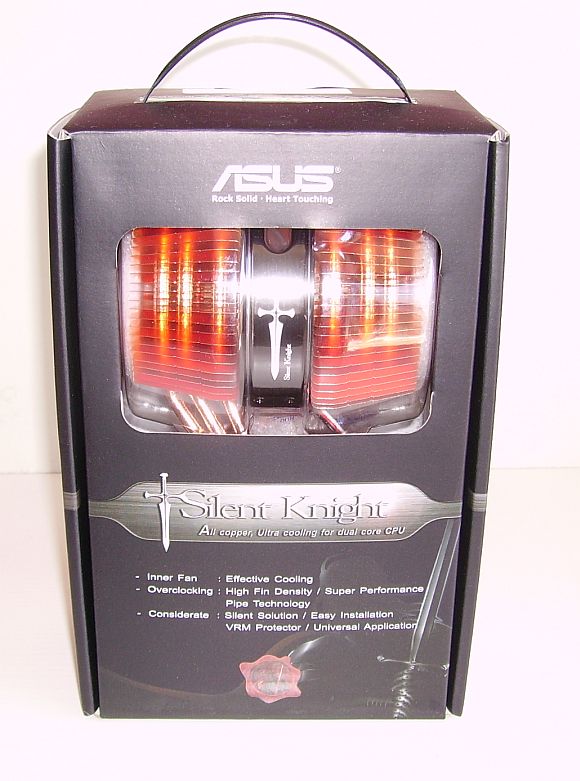
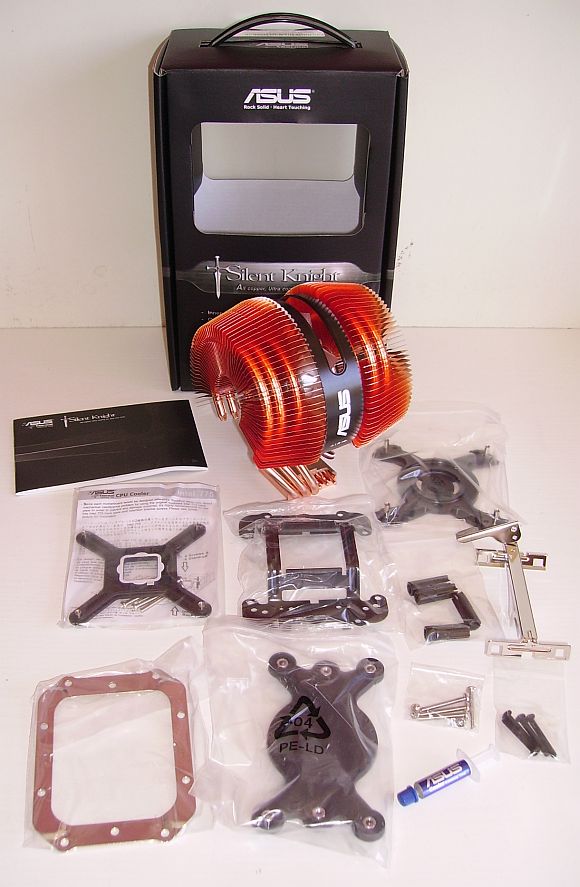
ASUS Silent Knight is a dual core CPU cooler made of copper punched fins and a copper base with 6 heat pipes.

  • Model Name: Silent Knight
  • CPU Support: Intel Pentium D Dual Core (LGA775), Intel Pentium 4 (LGA775 & PSC 478), AMD 64/FX/X2 (Socket 939/940/AM2)
  • Thermal Resitance: 0.24 °C/W
  • Cooler Dimensions W/H/D (mm): 115 / 140 / 110
  • Net Weight: 610 g
  • Connector: 3 pins
  • Fan Dimensions (mm): 92 / 92 / 25
  • Fan Speed: 2200 rpm

ASUS Silent Knight CPU Cooler
ASUS Silent Knight in the box

ASUS Silent Knight CPU Cooler
ASUS Silent Knight accessories

ASUS Silent Knight CPU Cooler
ASUS Silent Knight cooler - front view

ASUS Silent Knight CPU Cooler
ASUS Silent Knight cooler - left view

ASUS Silent Knight CPU Cooler
ASUS Silent Knight cooler - top view


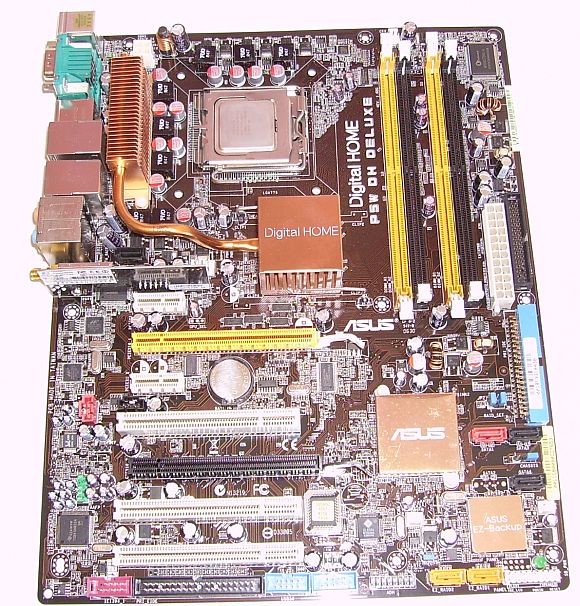
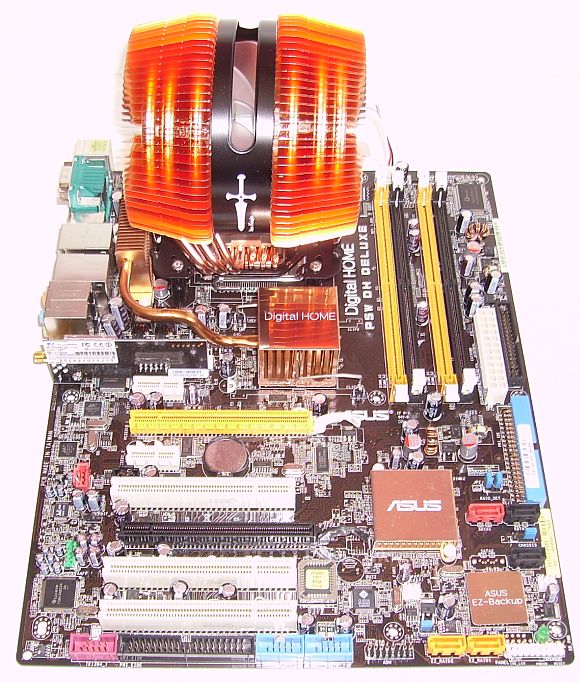
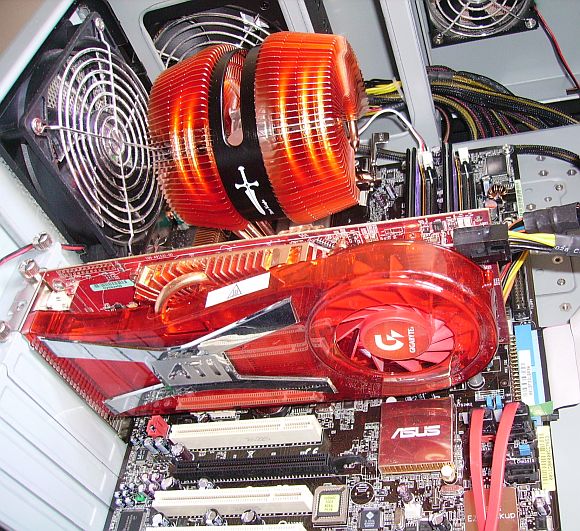
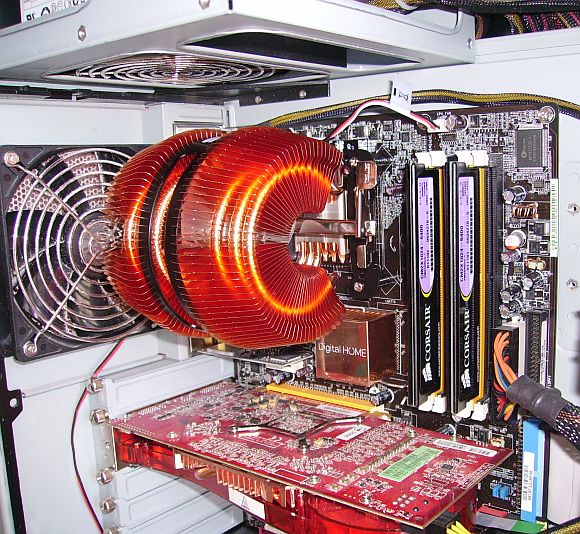
Hereunder, the Silent Knight put on the ASUS P5W DH motherboard with a Core 2 Duo 6600:

ASUS P5W DH Motherboard

ASUS P5W DH + Silent Knight

ASUS P5W DH + Silent Knight
ASUS P5W DH + Silent Knight in the case

ASUS P5W DH + Silent Knight
ASUS P5W DH + Silent Knight in the case

ASUS P5W DH + Silent Knight
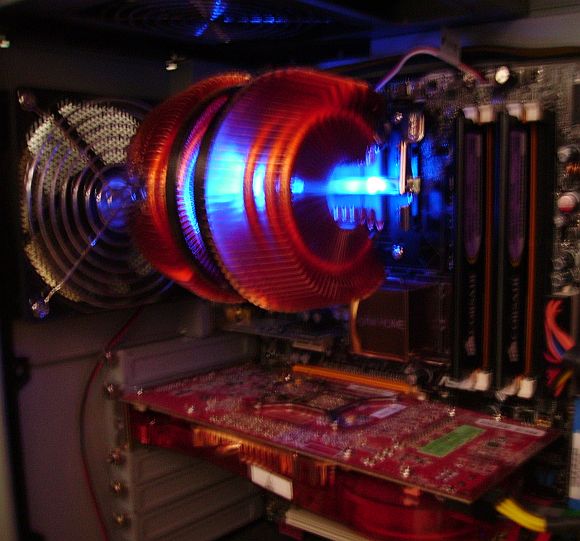
The blue lighting of the Silent Knight


2 - Silent Knight: Tests

Ok let's go for a little test. I used SpeedFan 4.32 to get the CPU cores temperatures. I also checked them with Intel Thermal Analysis Tool 2.05 to be sure.

Here is the CPU temperatures with the Core2Duo box cooler, without CPU load (around 5 min after the computer start):
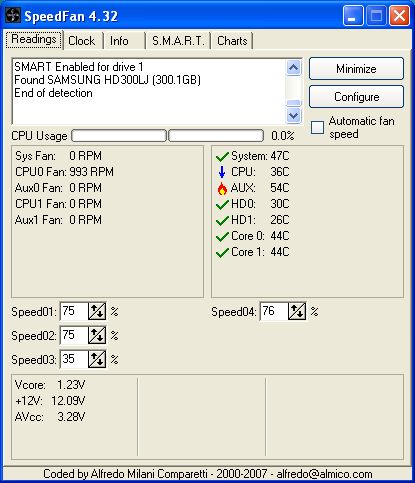
Core2Duo stock cooler

and now with the Silent Knight in the same conditions:
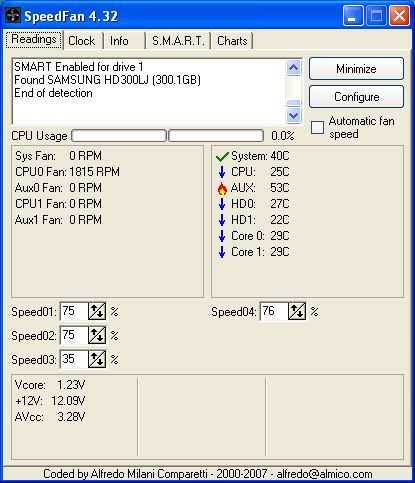
Core2Duo + Silent Knight

We have lost almost 15°C!

And now the temperatures with CPU load. To do the load test, I used AOGen CPU Burner. AOGen CPU Burner is cool because it's multithreaded so only one instance is necessary to test a multi-cores cpu. I start AOGen CPU Burner in command line with the following parameters:

aogen_cpu_burner.exe -t 2 -s 32

With these parameters, the CPU load lasts around 6 min.:
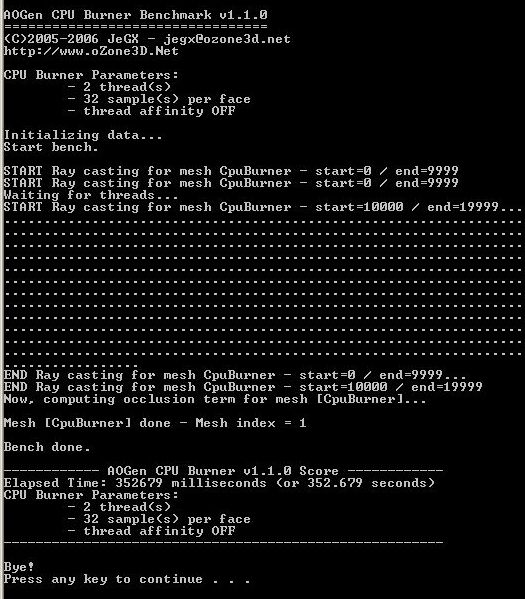
Core2Duo + AOGen CPU Burner

Here is the CPU temperatures with the Core2Duo box cooler and after around 5 min. of CPU load:
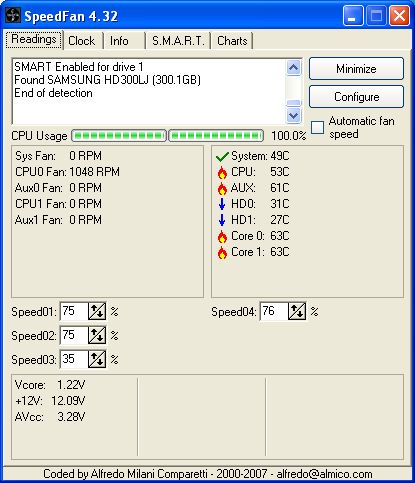
Core2Duo stock cooler

And here after, the CPU temperatures with the Silent Knight in the same conditions:
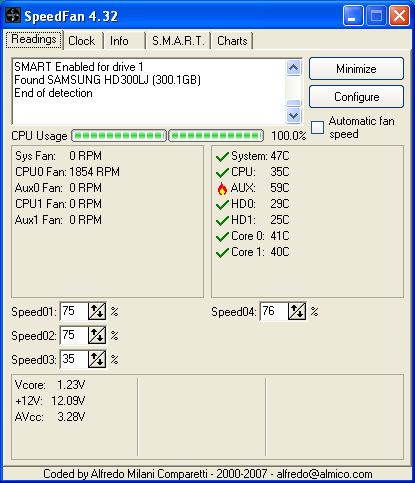
Core2Duo stock cooler

Again, the temperature dropped almost 23°C. The Silent Knight does his job correctly and very silently!


3 - Silent Knight: Useful Links


Language:

3D Graphics Search Engine:

The Geeks Of 3D


Demoniak3D
Current Version: 1.23.0
»Demoniak3D
»Download
»Libraries and Plugins
»Demos
»Online Help - Reference Guide
»Codes Samples


GPU Caps Viewer
Current Version: 1.6.2
»GPU Caps Viewer
»GPU DB Submissions


FurMark
Current Version: 1.5.0
»FurMark
»Benchmark Submissions


PhysX FluidMark
Current Version: 1.0.0
»PhysX FluidMark
»Benchmark Submissions


Geeks3D News


Misc
»Texture DataPack #1
»Asus Silent Knight CPU Cooler


Announces

Shop at CheckCost UK.Find Software products like Windows, Antivirus Software, Video Editing & more.


Modul8: real time video mixing and compositing

Page generated in 0.16466593742371 seconds.