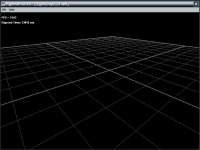
Shows how to setup a very simple scene and to display the reference grid.
Shows how to set the vertical synchronisation (vsync) and how to display the frame rate of the graphic controller (fps).
This is the classic Hello World sample vs real time 3D!
Keywords: scene - display_infos - show_ref_grid - display_fps - vsync - window_size - background_color - camera - position
Code Sample 2
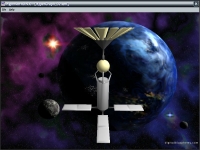
Shows how to add light and how to load a 3D model created in a 3D application such as 3D studio.
This code sample shows how to use an omnidirectional light (OMNI) and how to perform a basic
animation (spin rotation) of a 3D model.
Keywords: scene - display_fps - light - OMNI - model - spin_values
Code Sample 97
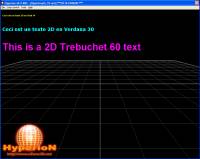
Shows how to display a simple text and how to set its position in the 3D scene.
Shows how to use True Type Fonts (ttf). The code sample shows how to change the text color by
setting the rgb parameters.
Keywords: scene - camera - font - ttf_name - text_2d - text - color
Code Sample 101
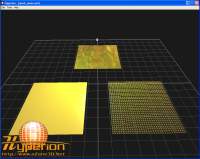
Shows how to use the mesh PLANE (wireframe, lit with and without texture).
Keywords: mesh - PLANE - light - texture - material
Code Sample 102
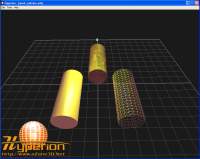
Shows how to use the mesh CYLINDER (wireframe, lit with and without texture).
Keywords: mesh - CYLINDER - light - texture - material
Code Sample 103
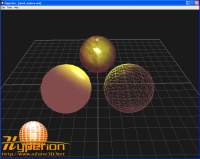
Shows how to use the mesh SPHERE (wireframe, lit with and without texture).
Keywords: mesh - SPHERE - light - texture - material
Code Sample 104
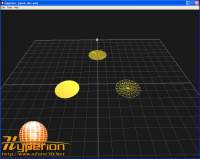
Shows how to use the mesh DISC (wireframe, lit with and without texture).
Keywords: mesh - DISC - light - texture - material
Code Sample 105
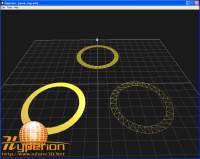
Shows how to use the mesh RING (wireframe, lit with and without texture).
Keywords: mesh - RING - light - texture - material
Code Sample 106
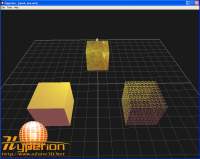
Shows how to use the mesh BOX (wireframe, lit with and without texture).
Keywords: mesh - BOX - light - texture - material
Code Sample 107
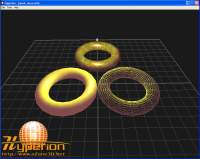
Shows how to use the mesh TORUS (wireframe, lit with and without texture).
Keywords: mesh - TORUS - light - texture - material